Email sending
Give each site its own verified sending domain, and keep staging mail away from real inboxes.
Email sending, step by step
-
1
Staging mail stays caught
Staging and development send to a mail catcher, never to real inboxes. So does production until it has a domain.
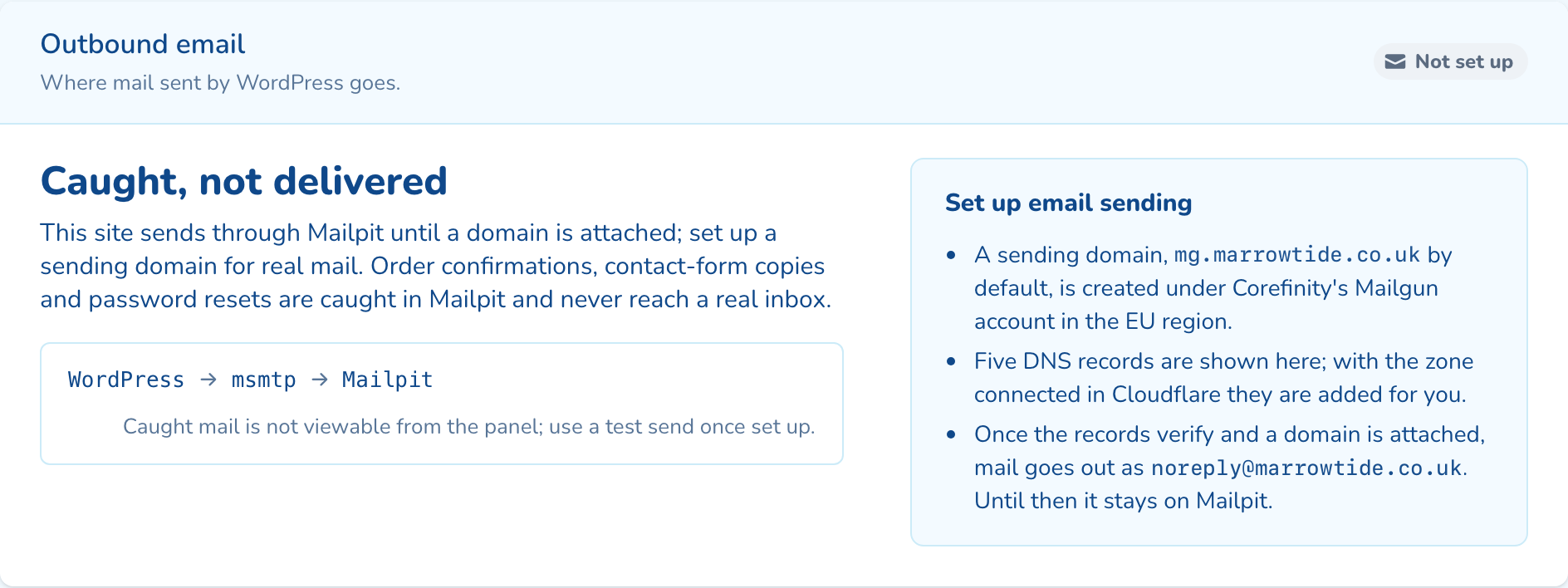
-
2
Set up a sending domain
Keep mg on your domain or pick another subdomain, and set the From address. It is created in Mailgun's EU region.
-
3
Add five DNS records
SPF, DKIM, tracking and two MX records appear with their state. With Cloudflare connected, one click adds them.
-
4
Verify and send a test
Once the records verify, mail goes out as your sender. Send a test to any inbox, up to 20 a day.
Questions about email sending
No. Staging and development send every message to Mailpit, a mail catcher, so nothing leaves the platform. Order confirmations and password resets sent while testing never reach a real inbox.
No. The sending domain is created under Corefinity's Mailgun account in the EU region. The domain stays yours, and you can remove it from the panel at any time.
Copy the five records to your DNS provider, then press Re-check. With the zone connected in Cloudflare, one click adds them instead.

See email sending on your own cluster
Tell us how many sites you run and on what. An engineer sizes a cluster with you and shows you the panel on a live one.