Magento 2 tools
Run Magento 2.4.8 with OpenSearch and Redis built in, and flush, reindex or upgrade it from the panel.
Magento 2 tools, step by step
-
1
Run the shop’s tools
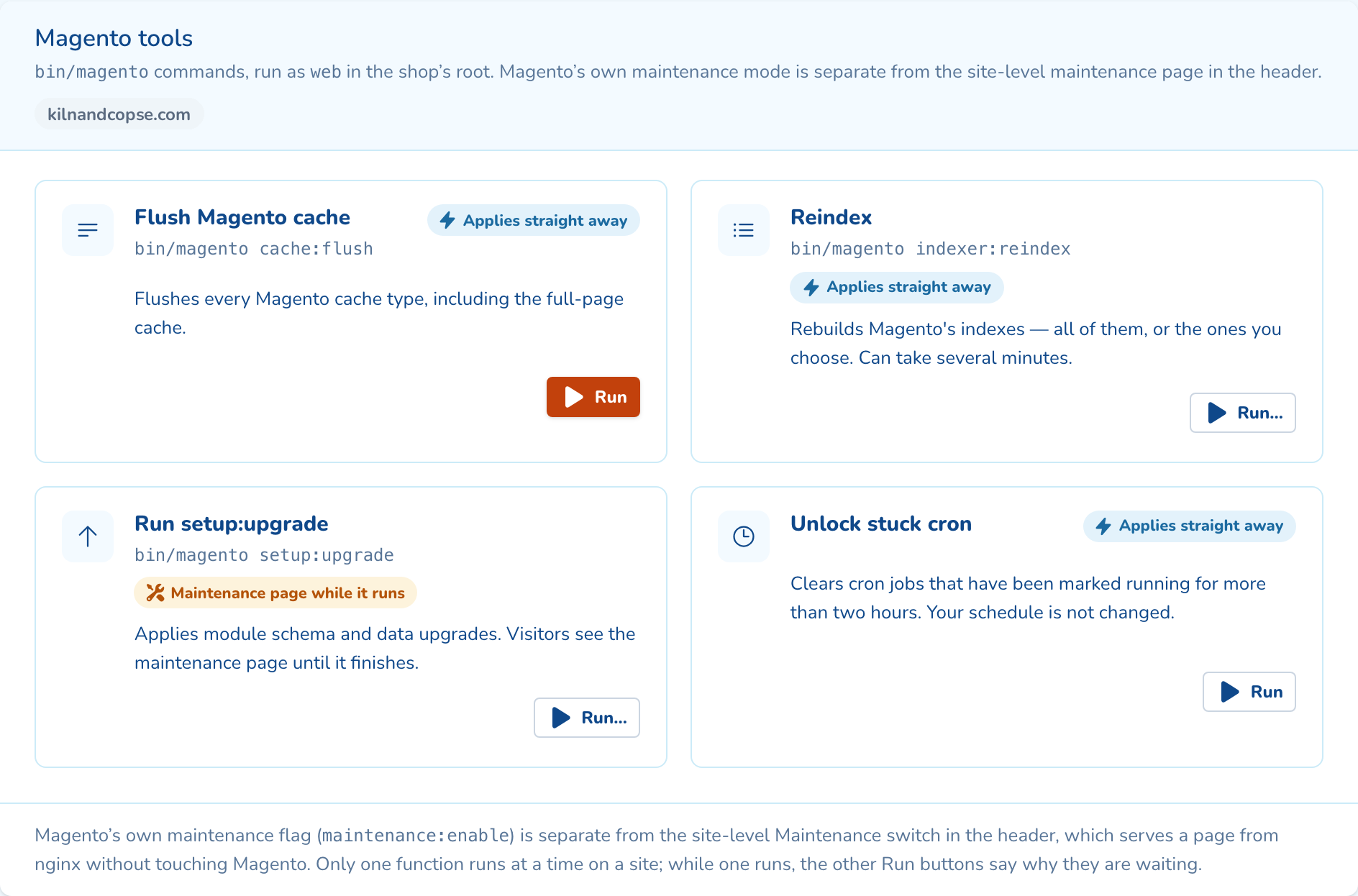
Flush the cache, reindex, run setup:upgrade or clear stuck cron jobs. Each run shows its output.
-
2
Upgrade behind the maintenance page
setup:upgrade puts up the maintenance page and takes a snapshot first, unless you untick it.
-
3
Read what it printed
The result drawer keeps each run’s output, who started it and how long it took.
-
4
Watch search and queues
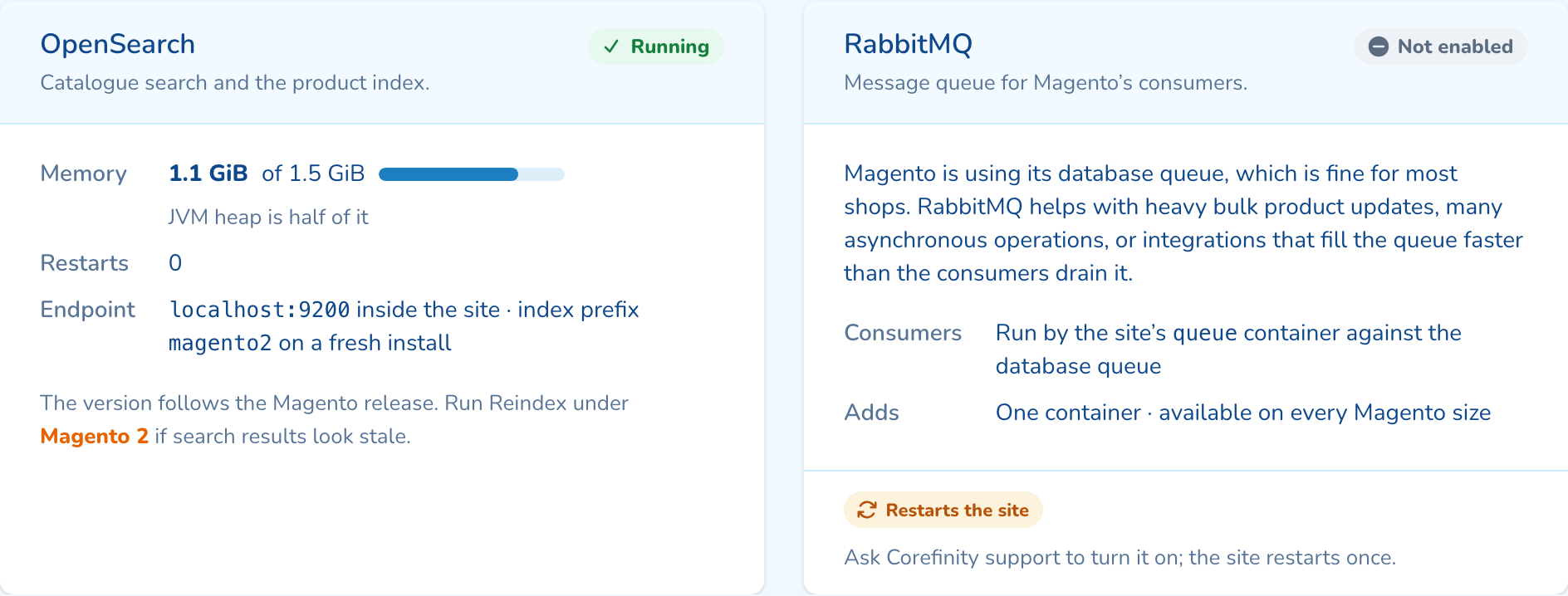
Runtime shows OpenSearch, the message queue and Redis, with their memory and restarts.
As your team will see it
Questions about magento 2 tools
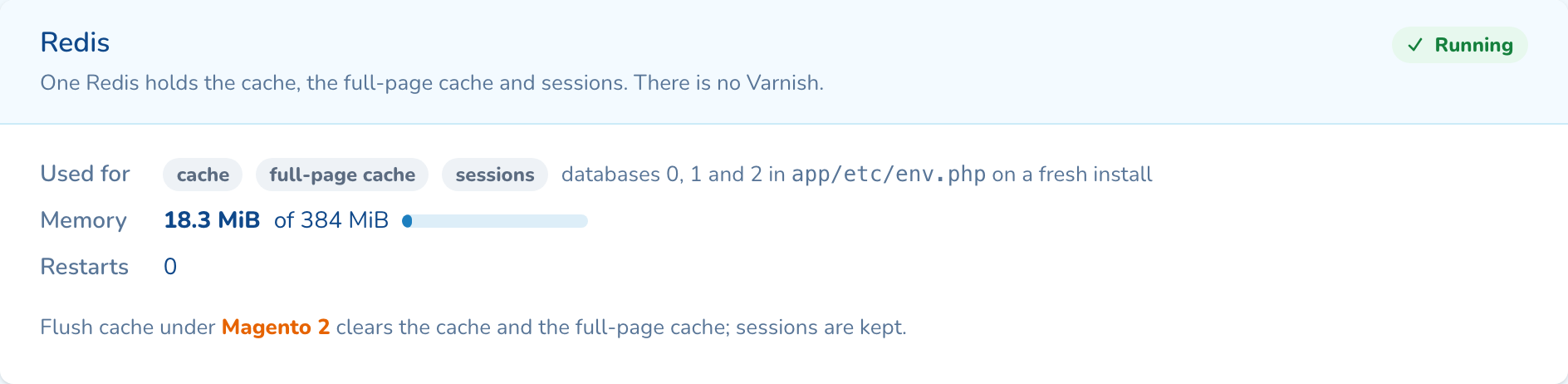
No. The full-page cache lives in Redis, next to the cache and sessions, so there is no Varnish to configure. Flush Magento cache clears both caches and keeps sessions.
For a fresh install, yes. Add your repo.magento.com public and private keys once in company settings and every new store uses them. An empty site needs none: deploy your own code to it.
Yes, over SSH or in the browser terminal. The panel covers the everyday jobs and stops its own runs after two minutes, so long reindexes and large upgrades belong in the terminal.

See magento 2 tools on your own cluster
Tell us how many sites you run and on what. An engineer sizes a cluster with you and shows you the panel on a live one.