Laravel tools
Run artisan from the panel, keep queue workers and the scheduler running, and migrate with a snapshot first.
Laravel tools, step by step
-
1
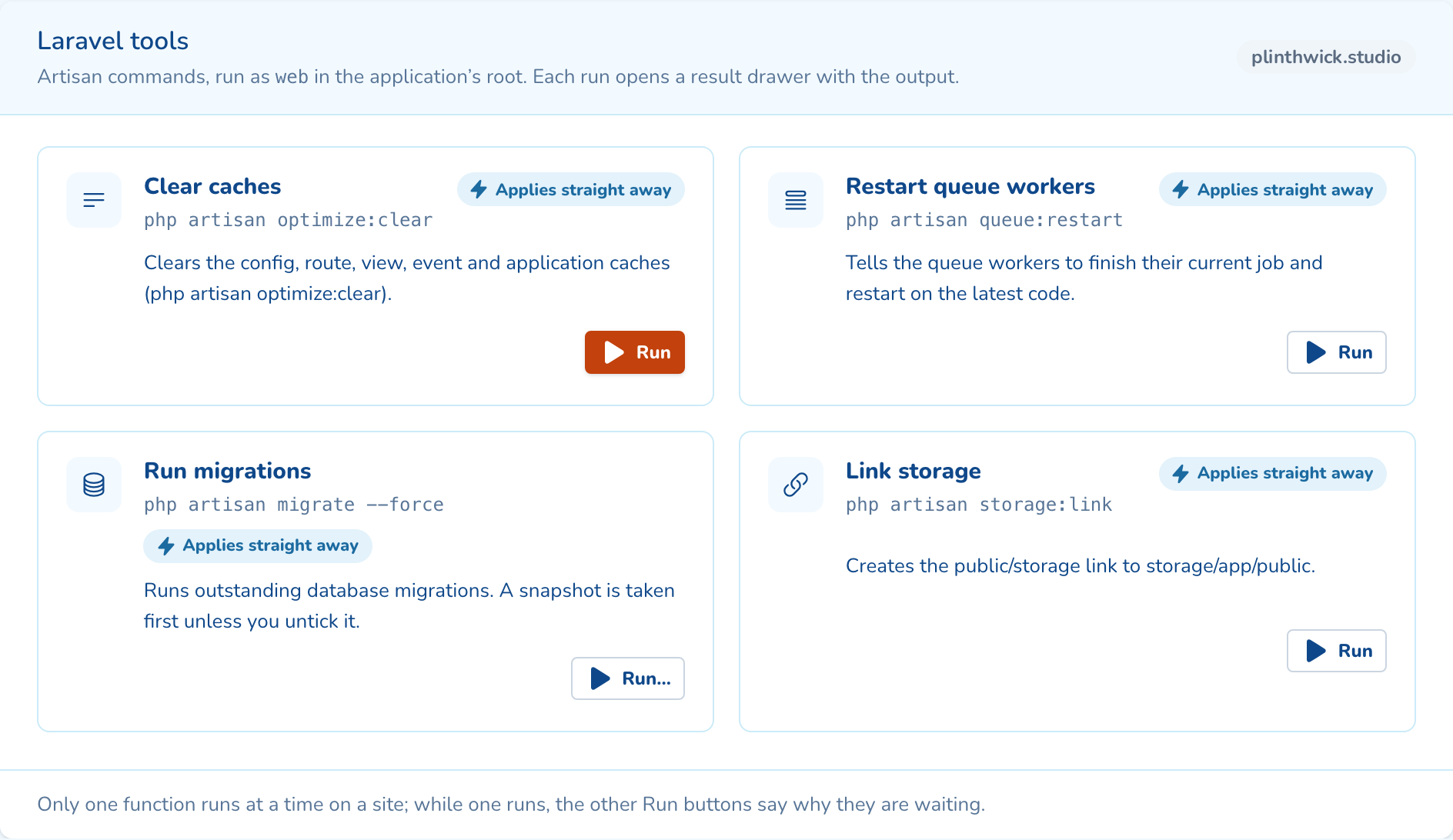
Run artisan from the panel
Clear caches, restart queue workers, run migrations or link storage. Each run shows its output.
-
2
Migrate with a snapshot first
Run migrations takes a snapshot before it touches the database, unless you untick it.
-
3
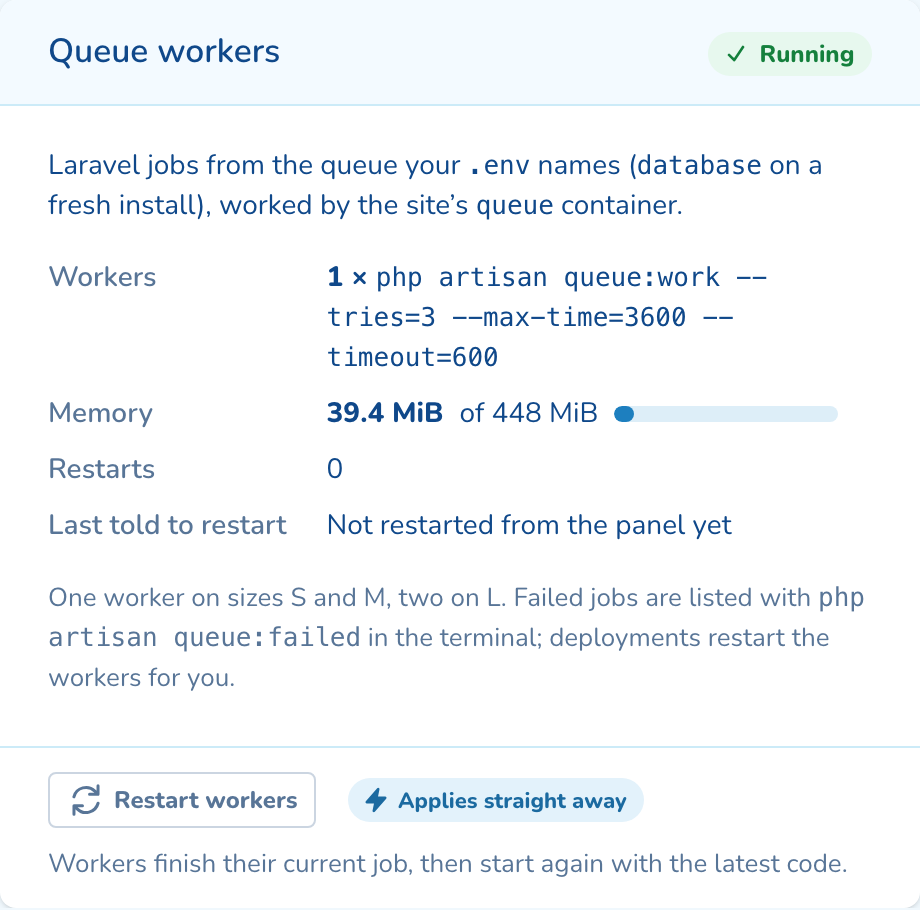
Keep the queue working
A queue container runs your workers: one on sizes S and M, two on L. Deploys restart them for you.
-
4
Let the scheduler run
schedule:run runs every minute as a built-in cron entry. Add your own tasks beside it.
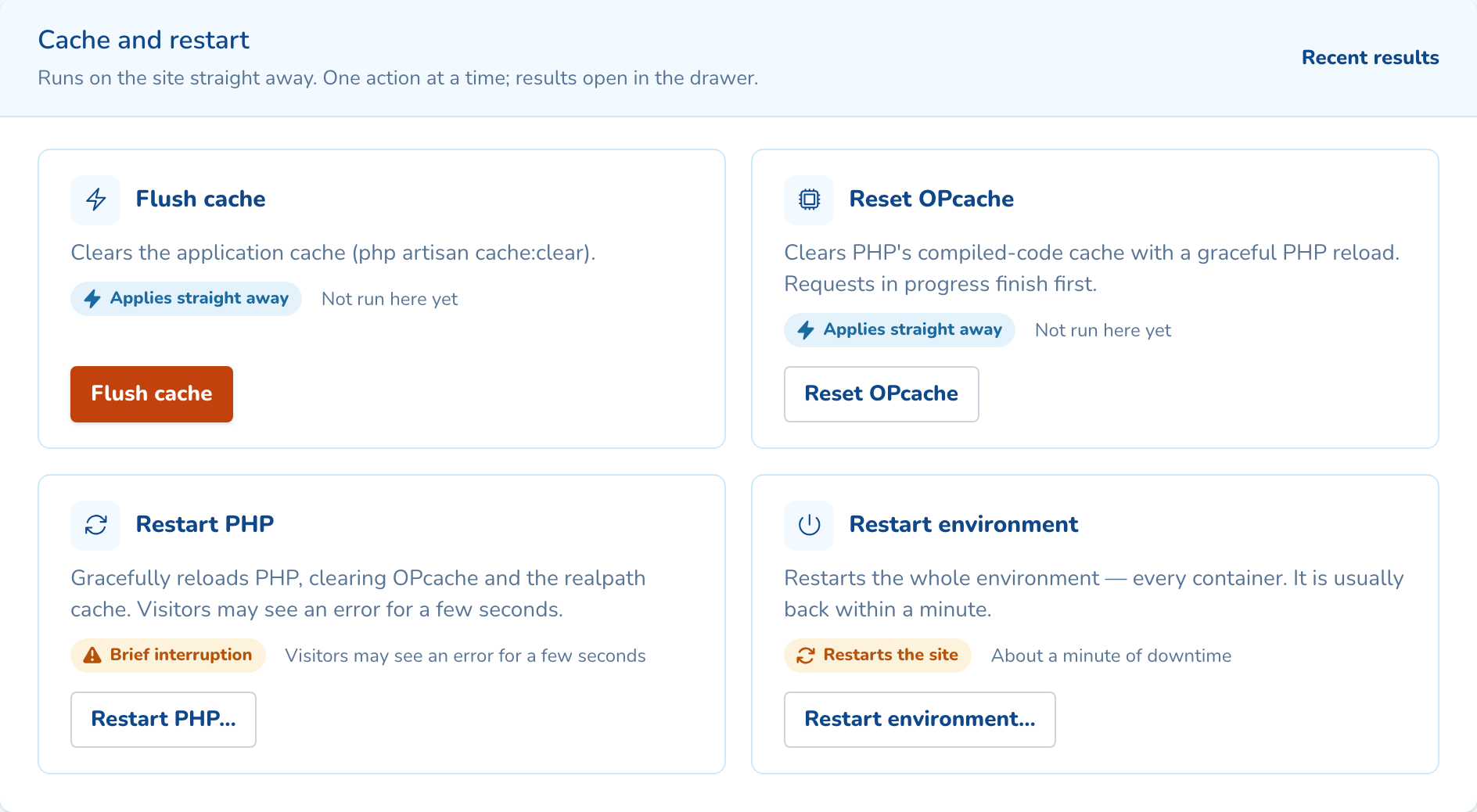
As your team will see it
Questions about laravel tools
No. The site’s queue container runs php artisan queue:work and starts it again if it stops. Deployments restart the workers so they pick up new code, and you can restart them from the panel.
No. A deployment rollback puts the previous code back and leaves the database as it is. That is why Run migrations takes a snapshot first: restore it to undo a migration.
Yes. Create an empty Laravel site, then deploy from Git or upload over SFTP. A fresh install gives you a new Laravel 13 app with its .env, database and queue ready.

See laravel tools on your own cluster
Tell us how many sites you run and on what. An engineer sizes a cluster with you and shows you the panel on a live one.